

How to Fix a Garage Door Remote That Suddenly Stopped Working
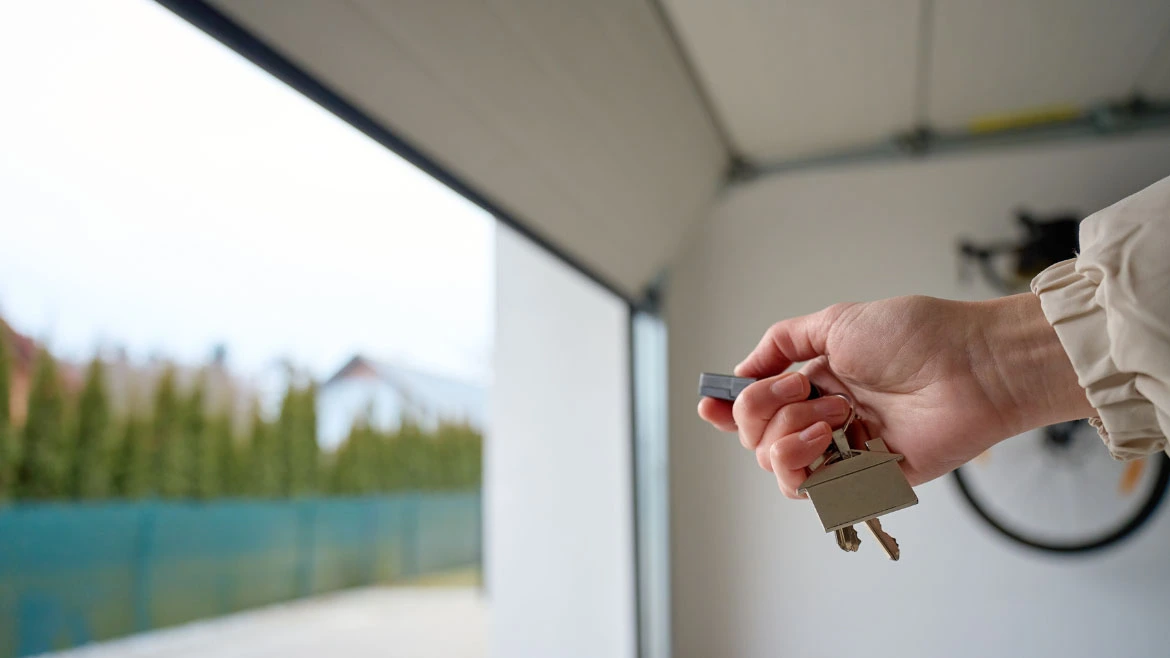
You pull into your driveway after a tiring day, press the button on your garage door remote, and suddenly nothing happens. You press it again, still nothing. Maybe you try holding it up to the window, pressing harder, or clicking it from different angles. But that garage door just won’t open. What could go wrong?
A garage door remote that suddenly stops functioning is one of the most common problems homeowners face. However, in most cases, the fix is simple and does not require a service call.
In this blog, we will walk you through what to check, step by step. These troubleshooting tips will help you get your garage door remote working again, saving you time and money.
| Fix Your Garage Door with Professional Experts – Call (916)-387-8664 NOW |
Garage Door Remote Not Working? Here’s What’s Going On
Here is a reference table to identify the cause before following the troubleshooting steps below.
| If This Happens | Most Likely Cause | What to Do First |
| Remote doesn’t respond | Dead/weak battery | Replace the battery |
| Remote only works when you are very close to the garage | Weak battery/signal interference | Install a fresh battery, then check for nearby devices causing interference. |
| Wall-mounted control works, but the remote does not. | Remote has lost programming/faulty | Use the opener’s Learn button to reprogram the remote. |
| Neither the remote nor the wall button is working | Opener has no power or has another system problem | Check the circuit breaker, power source, and opener unit. |
| Remote stopped working after a power outage | Programming is lost | Re-sync the remote and the garage door opener. |
| None of your remotes work | Issue with the Receiver or opener | Check the opener’s antenna and contact a professional if needed. |
| Remote has visible damage or unresponsive buttons | Physical damage | Replace the remote or test a compatible universal remote. |
| Quick Tip: Start with the simple fixes first. Replacing the battery, checking the wall-mounted control, and reprogramming the remote can solve the majority of garage door remote issues without the need for professional help. |
How to Fix a Garage Door Remote?
A garage door remote stops working because of:
- Dead/weak batteries
- Signal interference
- Lost programming
- Power or receiver problems
Here are the exact steps to troubleshoot and resolve the issue:
Step 1: Check and Replace the Remote Batteries
Remote batteries can last for one to two years, depending on the usage and battery quality.
Here’s how to check:
Open the battery compartment of your remote. Most remotes use either a CR2032 coin cell battery or an A23 12-volt battery. Look at the old battery to confirm the type, then replace it with a fresh one.
| A quick tip: At times, the indicator light of the remote still turns on, but the battery does not have enough power to send a strong signal to the opener. If your remote functions only when you are standing next to the garage door, that’s a major sign of a weak battery. |
Likewise, if the battery contacts inside the remote look corroded or dirty, gently clean them using a cotton swab and some rubbing alcohol.
Step 2: Test the Wall-Mounted Control Panel
If a fresh battery does not solve the problem, press the wall-mounted button because it tells you whether the problem is with your remote or with the garage door opener itself.
- If the wall button works: The opener motor and door mechanics are fine, but the problem is confined to your remote or the signal between the remote and the opener.
- If the wall button doesn’t work: The problem is with the opener unit itself. Check that the motor is plugged in and that the circuit breaker has not tripped.
However, if neither the remote nor the wall button is working, the problem could be with the power supply, a blown fuse, or the opener’s motor or circuit board.
Step 3: Check for Signal Interference
Garage door remotes communicate with the opener using radio frequencies. But other electronic devices can interfere with that signal, especially if they work on similar frequencies.
Common sources of interference include:
- LED light bulbs, especially cheaper, unshielded ones.
- Wi-Fi routers and wireless networks
- Cordless phones and baby monitors
- Wireless security cameras
- Other smart home devices
How to test for interference: Try using your remote from very close to the door. If it works up close but not from a distance, then interference is the issue.
Start by turning off nearby electronic devices one at a time and test the remote after each one. Unscrew any recently installed LED bulbs in your garage to test the remote once again, as some LED bulbs emit electromagnetic interference that blocks the signal of the remote.
If the interference is the problem, you can:
- Move the interfering device away from the garage door opener.
- Switch to garage-door-compatible LED bulbs that are protected against interference.
- Relocate your Wi-Fi router or other wireless devices.
Step 4: Reprogramming
At times, after a power outage, an electrical surge, or changing the batteries, the connection between the remote and the garage door opener can be lost.
But you can easily reprogram the remote –
- Find the Learn button located on the garage door opener motor unit. It can also be labeled as Learn, Smart, Program, or Set.
- Press and release the Learn button. The indicator light on the opener should turn on or start blinking, implying that the opener is in programming mode.
- Within 30 seconds, long-press the remote button you wish to program. Hold it until the opener’s light flashes, or you hear a click, confirming the remote has been paired.
- Press the button to test the remote and check if the door responds.
| Important: In case of numerous remotes or a keypad, you should reprogram each one individually. Some openers also allow you to clear all stored remotes by holding the Learn button for 10 seconds till the indicator light turns off. This is useful if your remote is lost and you want to ensure no one else can open your garage. |
Step 5: Check the Opener’s Antenna and Receiver
Take a look at the garage door opener motor unit for a short wire antenna hanging down from it.
- Make sure the antenna is hanging straight down and is not bent, broken, or tucked up into the unit.
- A damaged antenna needs to be replaced.
- Even a correctly positioned antenna can malfunction and is best handled by a professional from an experienced garage door company.
Step 6: Check the Lock Feature
Some garage door openers feature a vacation lock or lock feature on the wall control panel that turns off all remote controls. This is designed as a security measure, but it can be activated by accident.
Check your wall control panel. If you see a lock light that’s on, hold the lock button for a few seconds to switch it off and test your remote again.
Step 7: Inspect the Remote for Physical Damage
Take a look at the remote:
- Does the remote rattle if shaken?
- Is the casing cracked or damaged?
- Has the remote been stepped on, dropped, or exposed to water?
- Are any buttons stuck or unresponsive?
If your remote is physically damaged, then you need a replacement. There are also universal remotes available that work with multiple brands of garage door openers.
Step 8: Testing a Spare Remote
Test your spare remote or a wireless keypad:
- If the spare is working: The original remote is damaged and needs to be replaced.
- If the spare does not work either: The problem is with the garage door opener’s receiver or some other component. Now you need a professional expert for garage door repair services to get the problem fixed.
| Need expert garage door repairs? Contact Us Today! |
When Should You Call a Professional if Your Garage Door Remote Stops Working?
There are times when a professional garage door service is the best choice:
- If none of your remotes work: The problem is with the opener’s receiver or circuit board.
- If the wall button doesn’t work either: The opener itself may have a power or mechanical problem.
- If you’ve tried all the steps above and the remote still doesn’t work: You need to call a local garage door company.
- If you notice unusual noises, grinding, or the door moving erratically: These indicate mechanical problems that need expert attention.
In the Sacramento area, garage door remote issues are among the most common service calls. And as more service-based businesses and families depend on their garages for daily access, having a functioning remote is a necessity.
How Can You Prevent Future Remote Problems?
Once you have fixed your remote, here are a few tips to keep it working reliably:
- Replace batteries annually
- Keep the remote well protected.
- Be careful with new electronics.
- Keep a spare remote handy.
Quick Queries From Our Clients
1. Can I reprogram a garage door remote myself?
Yes, mostly. To reprogram, you need to press the Learn button situated on the garage door opener motor and long-press the button on your remote as well within 30 seconds. However, the exact steps for DIY reprogramming can differ from model to model.
2. Why did my garage door remote stop working after a power outage?
Power outages and electrical surges can cause garage door openers to lose their programming. Once the power comes back on, the opener may no longer recognize your remote. However, the solution is simple: just reprogram your remote as instructed in the user manual. But if you own more than one remote, you will need to reprogram each one separately.
3. How much does it cost to replace a garage door remote?
The cost usually depends on the brand and type of garage door remote you have. Basic universal remote replacements usually range from $15 to $40. If you need a remote specifically for your opener brand, the prices may be slightly higher. Professional programming or installation also adds to the cost. But most remotes are designed for easy DIY setup.
| For Garage Door Solutions Call (916)-387-8664 TODAY |
Final Thoughts
A garage door remote that suddenly stops functioning can be quite annoying, but in most cases, it is a simple fix. However, start by replacing the batteries, then work your way through the remaining troubleshooting steps.
Chances are, you’ll have your remote working again in just a few minutes.
But if you have tried everything and your remote still isn’t responding, do not keep struggling with it. If you need a new remote, new garage door parts, a reprogrammed opener, or a full garage door service, you can contact a professional for expert services.
Read More!
- Home Warranty Coverage for Garage Doors Explained
- How Worn Garage Door Cables Lead to Door Failure
- What to Do When Your Garage Door Won’t Open or Close Properly
- Why Spring Is the Right Time for Garage Door Repair
Get Your Garage Door Remote Working Again With Eudy Door Co.
Eudy Door Co. has been serving the Sacramento area for over 40 years with expert –
- Garage door repair
- Garage door installation
- Garage door maintenance services
Our team of technicians is well-equipped to manage everything from simple remote reprogramming to complex opener repairs. Our garage door company offers prompt, transparent, and friendly service because we know how important it is to have a garage door you can count on.
Call Eudy Door Co. today at (916)-387-8664, and we will get your garage door remote working again so that you can get back to your day without any frustrations.

- Fiberglass Garage Doors vs. Steel: Which One Is Better for Your Garage? - September 29, 2026
- Is a 1/2 HP Garage Door Opener Enough? A Weight-and-Width Guide - August 31, 2026
- 7 Garage Door Styles by Home Architecture: Which One Actually Matches Your House - August 17, 2026